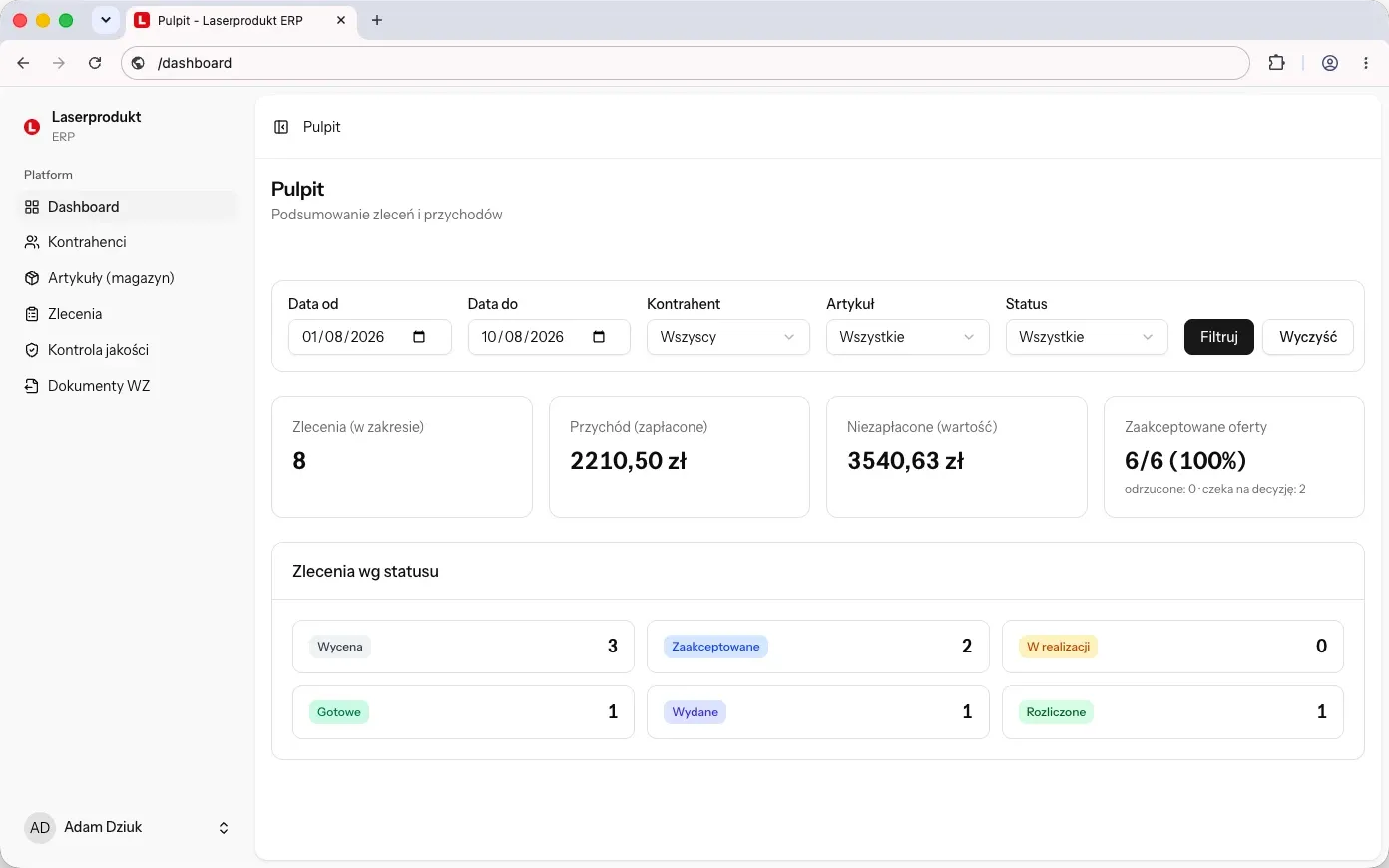
Custom CRM system
Sales run the way you run them - your pipeline stages, your rules for assigning clients. Accounts, quotes, contact history and permissions per role.
Custom CRM, ERP and business automation for small and mid-sized companies - software you own outright. No subscription for every additional user, and no modules nobody at your company will ever open. The code goes to your repository from day one of the rollout, and the data stays with you. No vendor lock-in.
We build systems around the way a business actually runs, so what you get is genuinely tailor-made. Sometimes that turns out to be a classic CRM or ERP, sometimes a system that fits no category at all. Here is what we do for small and mid-sized companies.
Sales run the way you run them - your pipeline stages, your rules for assigning clients. Accounts, quotes, contact history and permissions per role.
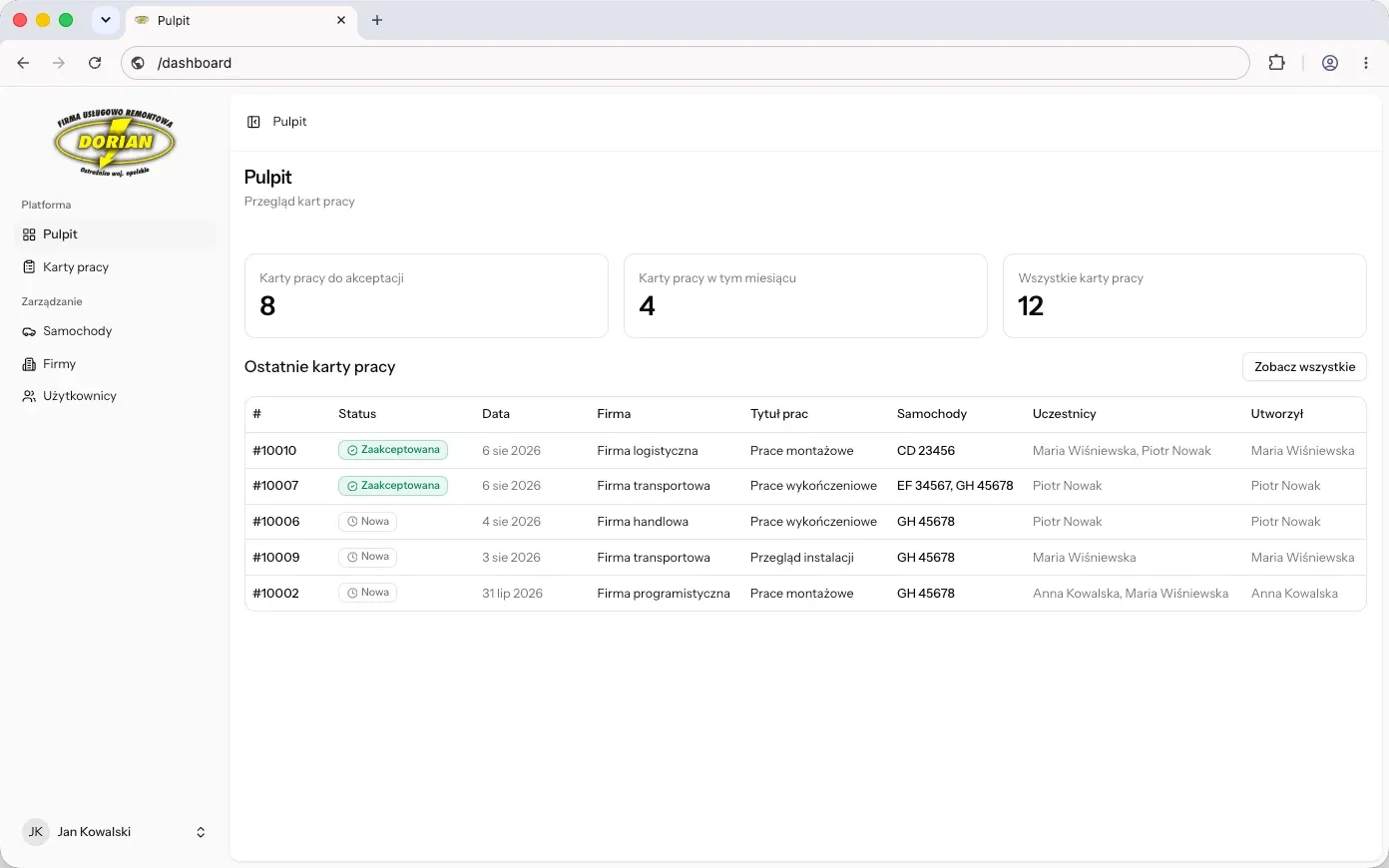
Orders, stock, production and documents in one place - built to exactly the scope you need and no further.
Picking and stock-taking on a scanner instead of on paper. Locations, quantities and stock movements written to the database in real time.
A sales rep, technician, driver or warehouse worker gets exactly what they need on the phone, where they are. Integrated with the rest of your systems, and it works with no signal.
Catalogue, orders, statuses and documents available to your end client. They stop calling the office because they can see it all themselves - and what they enter lands straight in your system.
We connect to the systems you already run and make sure the data matches everywhere. New capabilities added, nothing that works replaced.
Projects start at €2,250 net; the full ranges and delivery times are in the pricing section below.
The best place to start is wherever it hurts most today - in sales, in the warehouse, in service, on the production floor, or in the back office and customer support. We build the one piece that closes a specific problem first, and add the rest later. Six examples:
The rep takes the order on the spot at the client’s premises - they can see that client’s prices, credit limit and stock availability, and the order goes straight into the system. No more typing it up from a notebook in the evening.
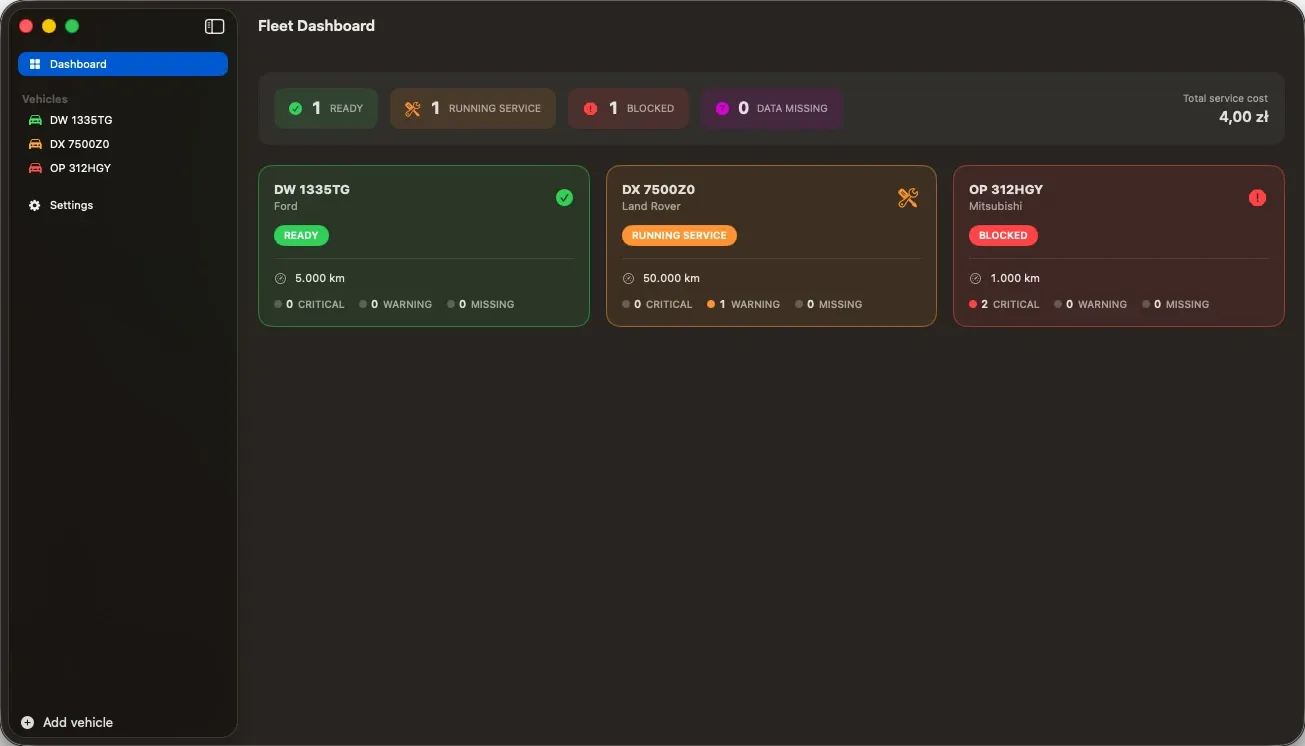
The warehouse worker scans barcodes with a phone instead of writing everything down, and the app suggests locations and keeps quantities in check. Stock-taking runs on the same tool: the count is compared against the system immediately and the differences show up on the spot.
The technician or driver gets the day’s job list, ticks off a checklist, takes photos and collects a signature on site. The service report, the parts used and the proof of delivery land in the system there and then, with no paper forms.
Catalogue, online ordering, statuses and documents available to the end client, along with notifications when something changes. A B2B platform like this collects enquiries in one panel instead of an inbox - the client stops calling because they can see everything themselves.
The foreman reports completed operations and flags shortages straight from the floor, without walking to the office. Production and quality-control data reaches the system as it happens, so the planner schedules against real progress rather than against last shift’s state.
Every order, status and document flow in a single browser panel - the office distributes work and closes cases without chasing people by phone. Management gets the same reports on the phone, current to the minute, instead of waiting for month end.
An off-the-shelf CRM or ERP starts from the question “how do we fit the company to the system”. A custom one starts from the opposite - and you can see the difference in every week of work after go-live. Here is what it actually comes down to:
An order entered at the source is immediately in the warehouse, in accounting and in the report - no typos, no duplicate lines. An off-the-shelf system does that too, right up until it meets an exception nobody planned for. That is when a spreadsheet starts living next to the system, and the data is in two places again.
We start with how you actually work - your naming, your exceptions and that one client who always does it differently. The screens come afterwards, and the fields in them are the ones you use rather than the ones prescribed for an entire industry.
You pay for the build once and know the figure up front. The bill does not grow with every new person you hire - adding a fifth warehouse worker costs nothing. Your invoice does not scale with your headcount.
Most companies already run something - an off-the-shelf package, or something written to order a long time ago. Others have nothing beyond Excel and an inbox. Both are good places to start; they just lead down different roads:
The problem is rarely that the system is bad - it is that it does not reach where it needs to: the field, the client, the shop floor. We connect through its API (or another route) and add the missing layer: an app for people in the field, or a portal for your clients. Data flows both ways, and you throw nothing away.
Having no old system is an advantage, not a problem - there is nothing to work around and nothing to repair after someone else. We start with the one thing that hurts most: orders, the warehouse or field work. You get a working tool, and the system grows piece by piece at your company’s pace.
We break building a system into stages, and each one ends with something you can see and test - not a promise, but something concrete. We set the final scope together at the first, free meeting.
The same team that designs your system at the first meeting delivers it to the end - for desktop and for mobile. No project managers and no rounds of clarification with people who have never built a system. You deal directly with the team shaping your company’s technical future.
Not every project can be priced in a sentence, but every one falls into one of three ranges. Below we say plainly who each is for - so you know where you stand before you get in touch.
€2,250 - €4,250
2-6 wks
Who it’s for
A company that wants to sort out one place - the one that hurts most. Orders lost in email, jobs written on paper, a warehouse run in Excel, or data retyped by hand between two programs. We close one thing and leave you a system that can be built on.
€4,250 - €17,000
6-12 wks
Who it’s for
Companies that want one system covering their processes end to end - sales, warehouse, service, documents and reports - instead of five tools that do not talk to each other. This range also covers a mobile app for the team in the field, usually in its upper half.
from €17,000
from 12 wks
Who it’s for
Rollouts where the system serves several departments at once, works on large volumes of data and has to tie into what already runs at your company - most often an ERP such as SAP, Dynamics, Comarch or Subiekt. On top of that come permissions across the whole organisation, a staging environment, monitoring and an agreed response time.
Net figures. Where a project lands inside its range comes down mainly to how many processes are in the first version, whether there is a mobile app, and how many systems it has to integrate with. You get a firm quote with a delivery date after the free first meeting, broken down by stage - so you can see what is genuinely needed now and what we would put off until later.
The five things you ask most before deciding: what if the budget does not stretch, how long a rollout takes, what happens to the system you already have, and what follows go-live. Short answers here - the rest we are happy to cover on a call or by email.